Python Executor
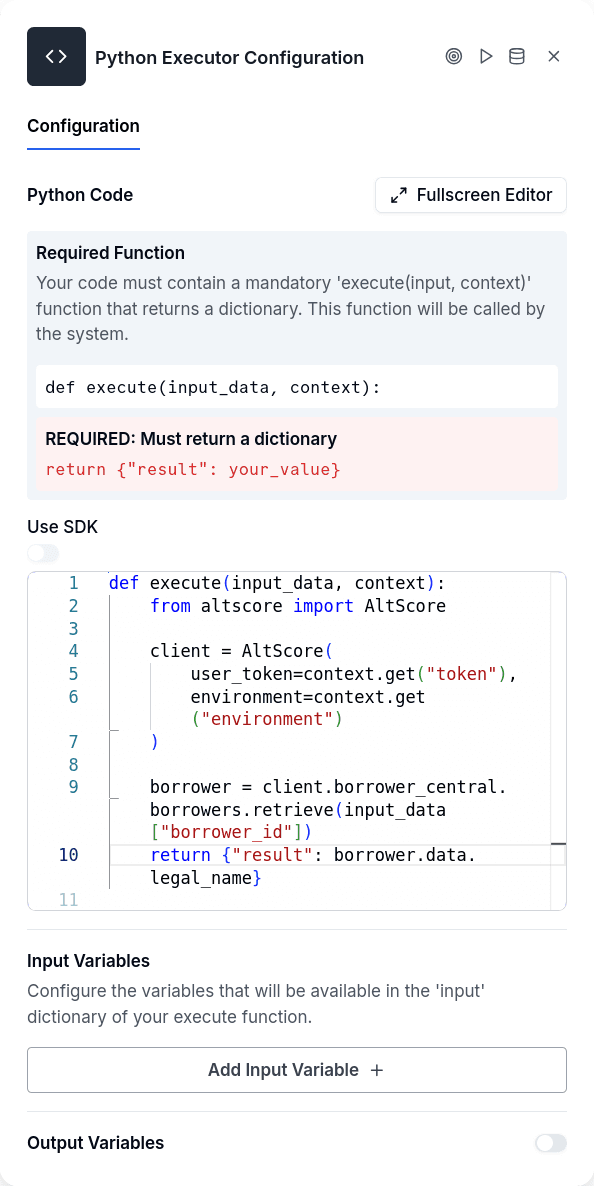
Python Executor runs custom Python code within a conversation flow. When you need logic that doesn't fit the standard nodes — cleaning strings with regex, mapping values through lookup tables, incrementing counters, converting between formats — this node gives you a sandboxed Python environment to work with. You map flow variables into an input_data dictionary, write a function that transforms them, and the returned dictionary becomes available to subsequent nodes.
The node operates silently — no message goes to the customer. It executes the code, optionally stores the result in a variable, and continues to the next node.
The Function Contract
Your code must define a function named execute that accepts two parameters and returns a dictionary:
The function name is not configurable — if you name it anything else, execution fails. The input_data parameter contains whatever flow variables you've mapped in the configuration. The context parameter is normally empty but receives authentication credentials when SDK mode is enabled. The return value must be a dictionary; returning a string, number, or nothing routes to the error handle.
When to Use It
Python Executor handles transformations that are awkward or impossible with other nodes. Cleaning a phone number that was entered with dots — "099.999.9999" needs to become "0999999999" — is a one-liner in Python but has no equivalent in standard nodes. Mapping an economic activity code to a business segment requires a lookup table with dozens of entries. Incrementing a retry counter needs actual arithmetic.
For simple conditions, use Conditional. For basic math expressions, the Formula node is lighter weight. For calling external services, HTTP Request or Workflow Execute are the right tools — Python Executor can't make network requests unless SDK mode is enabled, and even then only to AltScore APIs. If you need to persist data to the borrower's record, that's a job for Customer Update after the transformation.
Configuration
| Option | Description |
|---|---|
| Python Code | The code to execute. Must define def execute(input_data, context) |
| Input Variables | Maps flow variables to keys in the input_data dict |
| Output Variable | Where to store the returned dictionary |
| Use SDK | Enables AltScore SDK access via the context parameter |
Input variable mapping has three fields per entry: the key (how it appears in input_data), the flowVariable (source in the flow), and an optional dataType hint (string, number, boolean, array, object).
The result lands in your output variable as a dictionary. To extract specific values for use elsewhere in the flow, follow with a Set Variable node — extract python_result.clean_phone into phone_number, then other nodes can reference it directly.
Available Libraries
The execution environment provides a limited set of standard library modules: re for regular expressions, math for mathematical functions, json for encoding and decoding, datetime and timedelta for date manipulation, and calendar for calendar utilities. This is the same environment used by the Formula node.
Everything else is blocked. No file system access, no network requests (outside SDK mode), no subprocess calls, no arbitrary imports. The code runs in an isolated container with a five-minute timeout.
SDK Mode
Enable useSdk to get access to AltScore APIs through the Python SDK. When enabled, the context parameter receives authentication credentials:
This gives you access to Borrower Central, Data Sources, Credit Management, and other platform APIs. It's a powerful escape hatch for cases where dedicated nodes don't exist for what you need to do.
Output Handles
| Handle | When |
|---|---|
| Continue | Code executed successfully and returned a dictionary |
| Error | No code configured, syntax error, runtime exception, missing return, or timeout |
Error details — Python tracebacks, stderr output — are available in the execution logs. If the code runs but returns something other than a dictionary, that's also an error.
Things to Know
Missing input variables don't fail the node. If you reference a flow variable that doesn't exist, the system logs a warning and continues with that key absent from input_data. Always use .get("key", default) to handle missing values gracefully.
Each execution is isolated. There's no persistent state between runs. If you set a variable inside your function, it exists only for that execution. Counters and accumulators need to be stored in flow variables and passed back in.
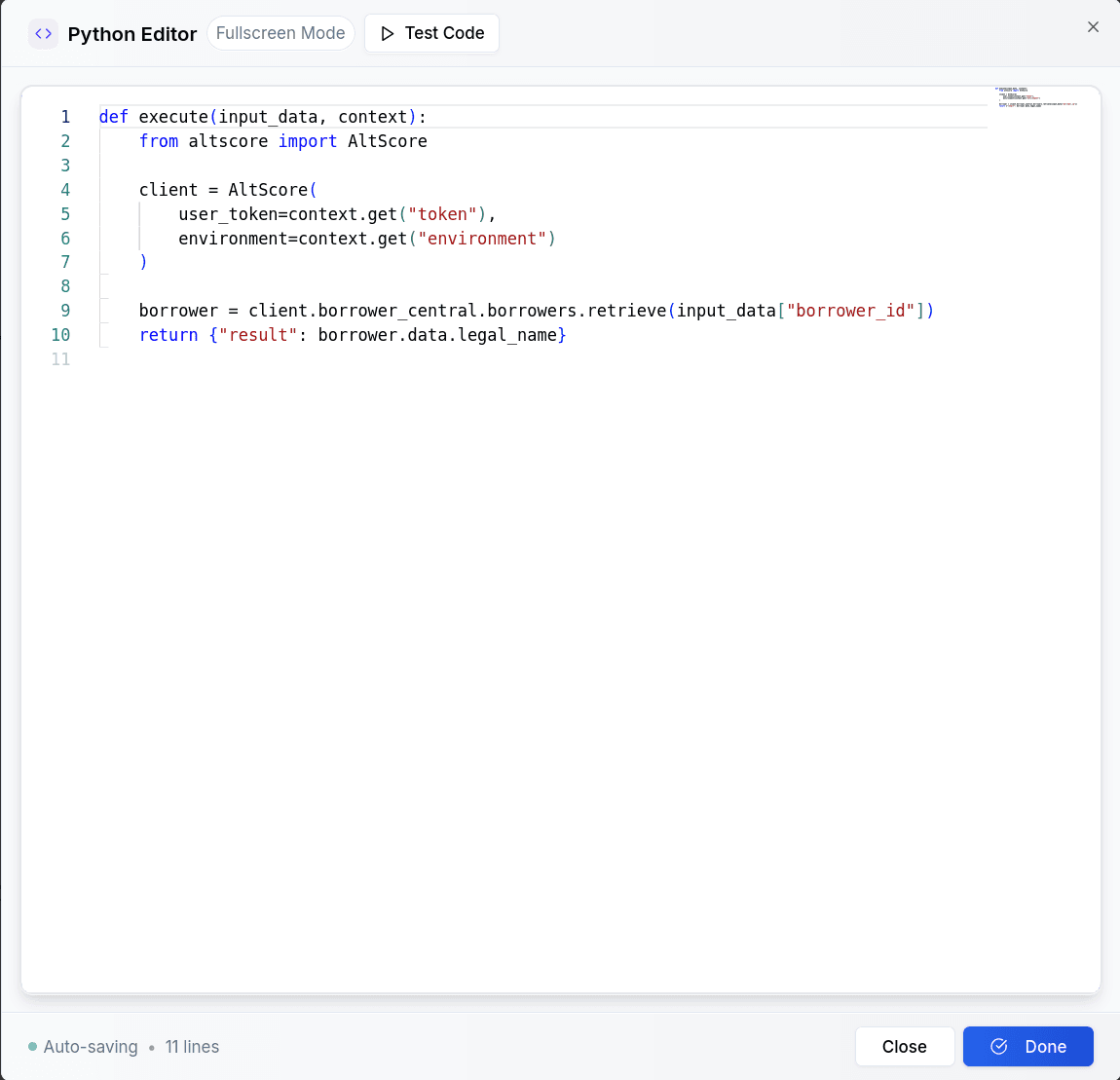
The editor includes a test dialog. You can execute your code directly from the UI with sample input values and see the output, stdout, stderr, and execution time before deploying.